One inbox, and an assistant that knows when to stop
Travellers ask the same twenty questions on four channels at every hour of the day. Under2 puts those channels into one inbox, adds an AI assistant that answers from facts you have approved, and passes everything that needs a person to your team — with the customer's details already in your CRM.
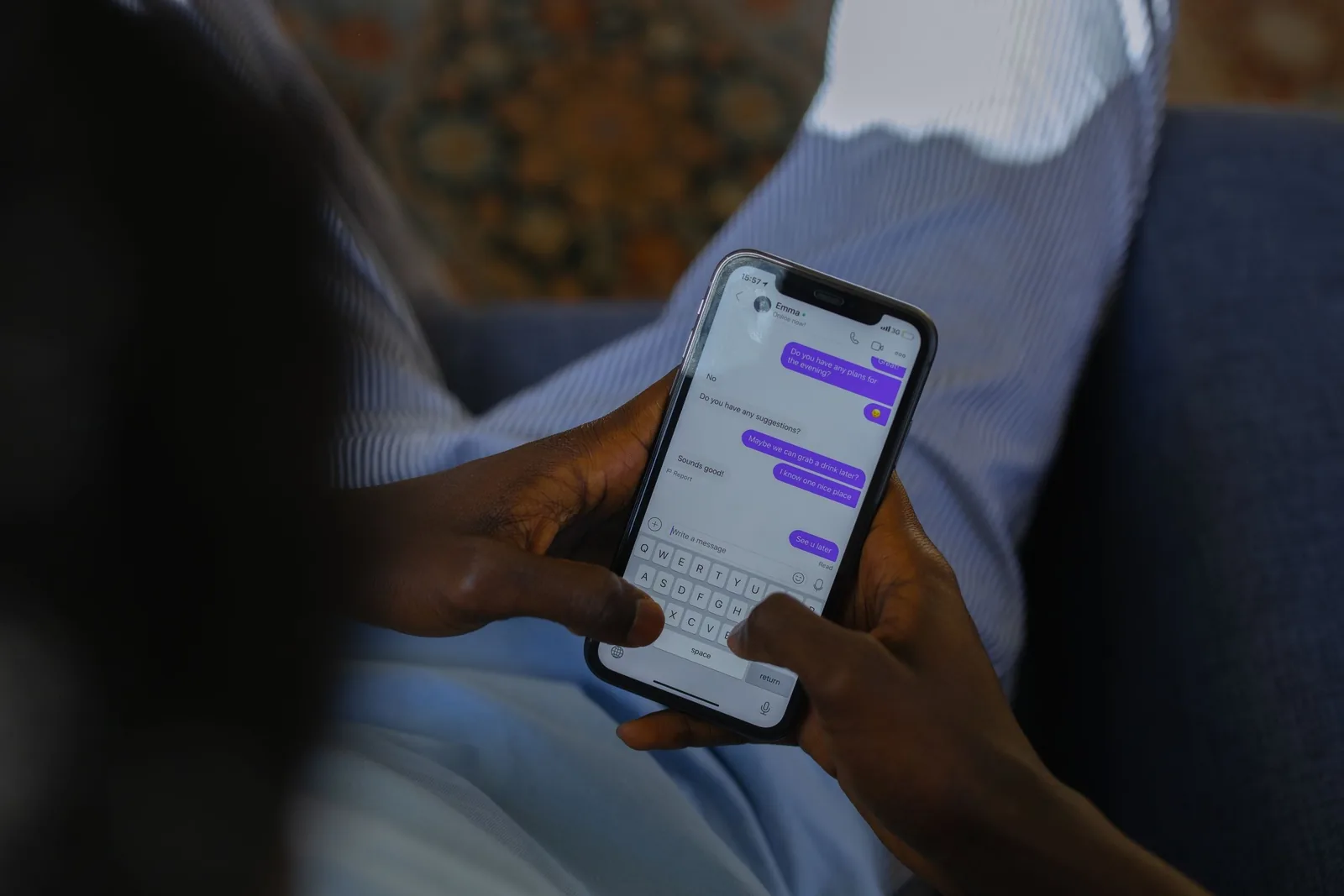
The problem is not the number of messages
A tour company that sells well gets messages on the website, on WhatsApp, on Messenger and on Instagram, often from the same person. Each channel lives on a different phone or login. A question asked at 23:00 is answered at 09:00, by which time the traveller has booked elsewhere, and nobody can say afterwards who promised what.
Adding a chatbot to that does not fix it. A bot that improvises prices, or keeps talking while a colleague is already handling the customer, makes it worse. What fixes it is one place where every conversation lands, clear rules for what the machine may answer, and a record of the customer that survives the chat.
What we set up
One inbox for every channel
Website chat, WhatsApp, Facebook Messenger and Instagram arrive in one shared inbox your team opens in a browser or on a phone. The same customer writing on two channels becomes one contact, with one history.
WhatsApp on the number you already use
Where Meta allows it, your existing WhatsApp Business number joins the inbox while the WhatsApp Business app keeps working on the phone. Replies sent from either side appear in both. A new number is the alternative.
An assistant that answers from approved facts
The AI assistant reads only a knowledge base you have approved, written from your own website and documents. It answers the routine questions and hands everything else to a person, in the customer's language.
A CRM behind the conversation
Enquiries from website forms and conversations handed over by the assistant land in Lark Base with the customer's contact details, the summary of what they asked and who on your team owns the follow-up.
How the assistant behaves
The rules below are not settings we hope for. They are how the assistant we run is built, and every one of them exists because the opposite happened somewhere.
- It uses only the facts in your knowledge base. It never invents a price, a discount, an availability, a policy, a phone number or a link.
- It hands over, rather than answers, when someone asks for a quote for their own group or dates, wants to book, change or cancel, asks about payment or refunds, complains, or asks for a person.
- It knows your working hours. Inside them it passes the conversation to your team; outside them it keeps helping, says when a person will be available and asks for an email or WhatsApp number so the conversation can continue.
- It replies in the language of the customer's latest message, so a question in English gets an English answer even after an earlier message in Vietnamese.
- It goes quiet the moment a colleague replies — including a reply typed in the WhatsApp Business app or in Meta Business Suite on a phone, not only in the shared inbox.
- It works within a daily limit per brand, and a per-customer limit that rises once the customer has left valid contact details.
An assistant is exactly as good as what it is allowed to say. We draft the knowledge base from your site and documents, you approve it line by line, and questions the assistant could not answer are collected each night as candidates for you to add. Nothing reaches customers without your approval.
What happens after the chat
A conversation is only useful if somebody acts on it. When the assistant hands a conversation over, it writes a private note for your team with a short summary, labels the conversation and moves it to the open queue. The same request, with the contact details the customer gave, is recorded in Lark Base next to the enquiries that came in through your website forms.
From there the usual work happens in one place: who replies, when to follow up, which requests turned into bookings. Every answer the assistant gave is logged, so you can read what it said to whom and correct the knowledge base when it was wrong.
How a setup runs
- We list your channels and numbers: website, WhatsApp, Facebook Page, Instagram, and who answers each today.
- We create the shared inbox, add your team and place the chat window on your website.
- We connect WhatsApp, Messenger and Instagram through Meta, keeping your current WhatsApp number where Meta allows it.
- We draft the knowledge base from your site and documents. You approve or correct every line.
- We switch the assistant on, set working hours and handover rules, and run test conversations on every channel before real customers see it.
- We connect forms and handovers to your CRM in Lark Base, then review the first two weeks of real conversations with you and adjust.
Most of the time goes into steps 3 and 4: Meta's business verification and your approval of the knowledge base. The technical work itself is the short part.
When this is not worth it
- You receive a few messages a week and answer them within the hour. A shared inbox helps; an assistant adds little.
- You cannot spare anyone to approve the knowledge base. Without approved facts the assistant has nothing to say, and we will not switch it on with invented ones.
- You want a bot to close sales, quote group prices or take payments in chat. Ours is built to hand those to a person, and we would advise against one that does not.
- Your business is outside travel. Under2 only works for travel businesses.
Tell us how customers reach you today
Which channels, which numbers, how many messages a week and who answers them. You get a written setup plan, what Meta will ask for, and a range.
What travel operators ask us most
Will the assistant reply while I am already chatting with the customer from my phone?
No. As soon as a person replies in that conversation — in the shared inbox, in the WhatsApp Business app or in Meta Business Suite — the assistant stops answering in it and the conversation is left to your team.
Can we keep our current WhatsApp number?
In most cases, yes. Meta lets an existing WhatsApp Business app number connect to the shared inbox while the app keeps working on the phone. Where that is not possible for a number, we connect a new number instead and tell you before anything changes.
What does the assistant do with a price question?
It quotes only prices written in your approved knowledge base, with their conditions. A price for a specific group, date or programme is handed to your team, and the assistant asks for contact details if the customer has not left any.
Where are the conversations stored, and who sees them?
Conversations are kept in the shared inbox on infrastructure Under2 operates, and your team sees them there. To write a reply, the text of the conversation is sent to the AI model provider (Anthropic's Claude) for that purpose only. WhatsApp, Messenger and Instagram messages also pass through Meta under Meta's own terms.
Meta allows a business to reply freely within 24 hours of the customer's last message; after that, only pre-approved message templates can be sent. We set the inbox up with that rule in mind.
Read next
Tell us what you are trying to run
What you sell, what you use today, and what is breaking. You get a written answer with an approach and a price range - not a brochure.